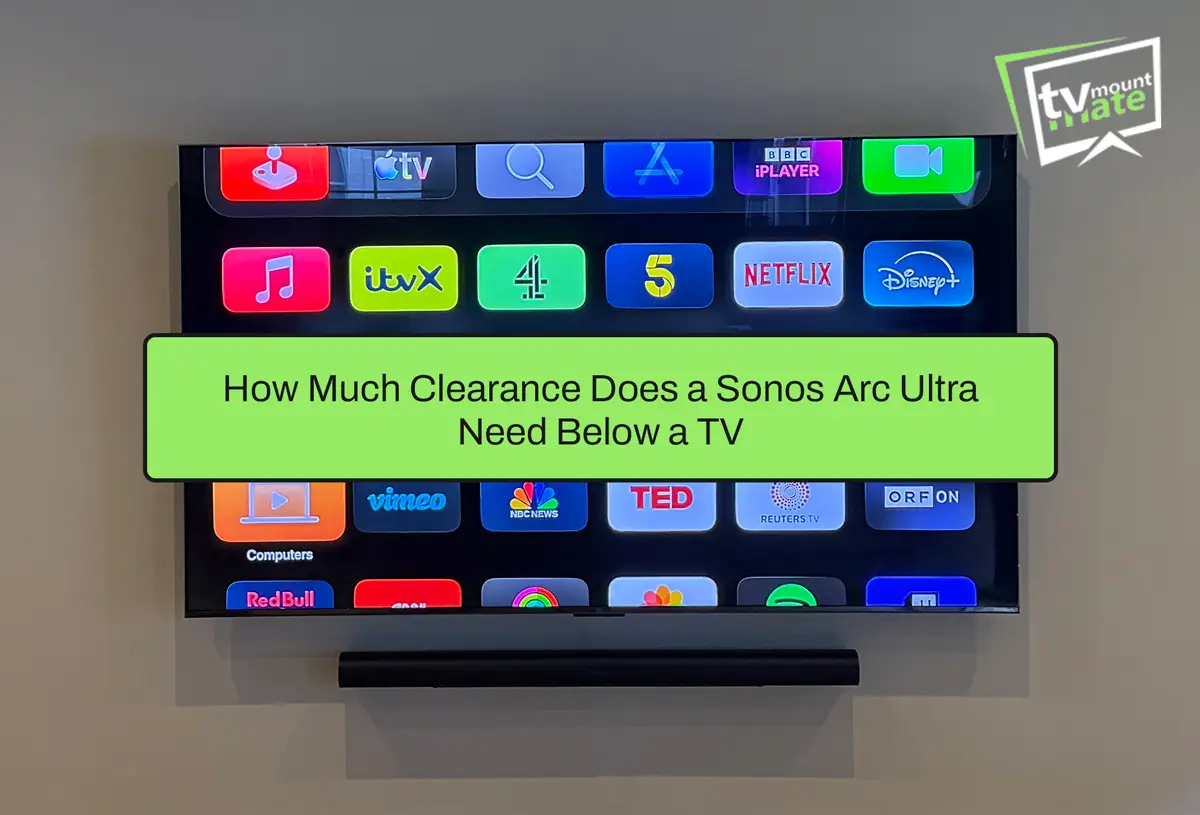
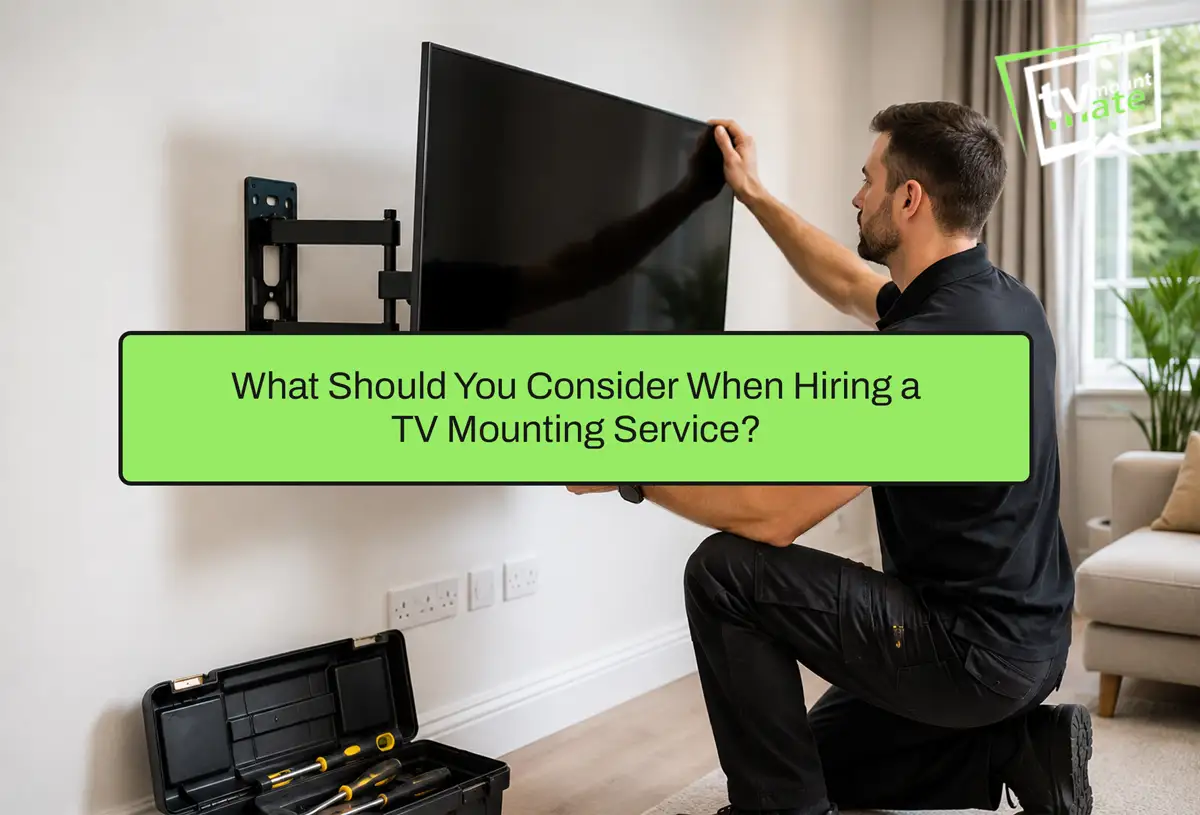
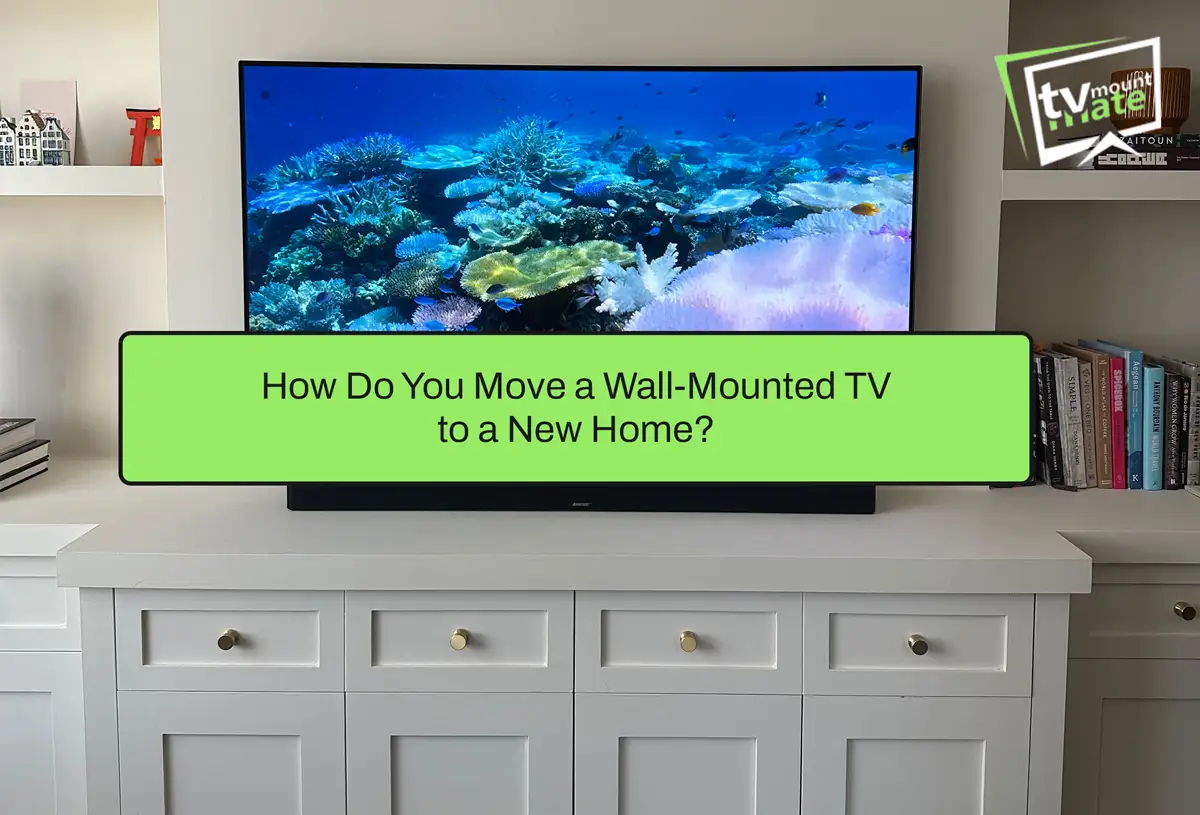
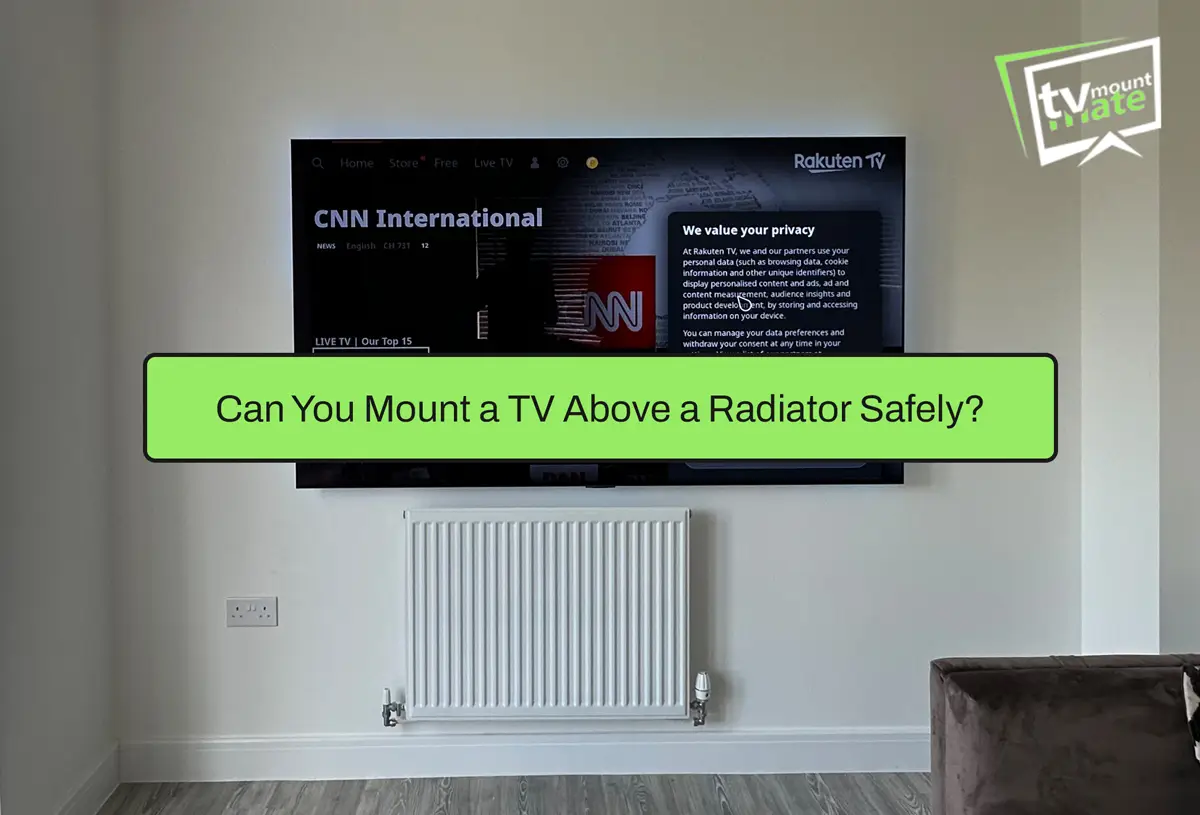
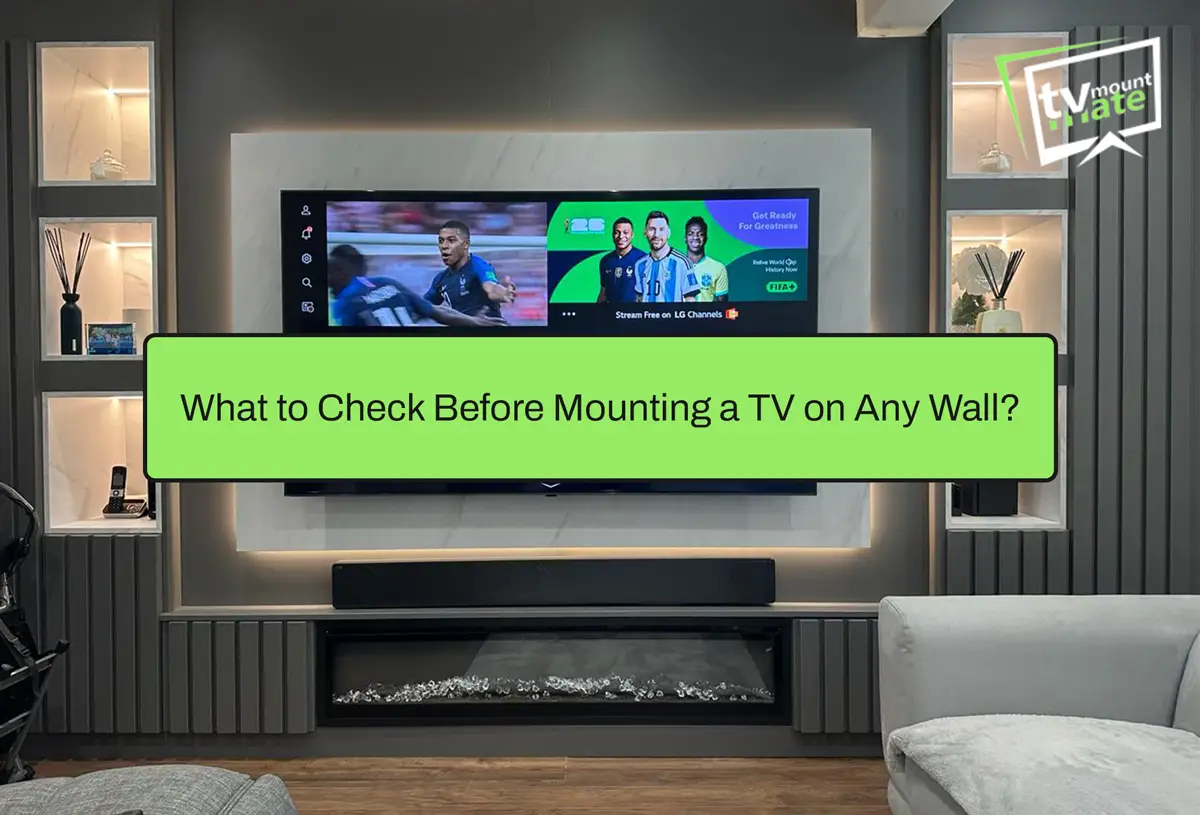
Before mounting a TV, several things need checking together, not on their own. These include the wall construction and condition, the television’s actual weight and its manufacturer’s mounting instructions, VESA and bracket compatibility, how much the chosen bracket will move or extend once fitted, likely pipe and electrical cable routes, the available fixing positions, power socket and cable requirements, and the viewing position.
Screen size alone does not decide whether an installation is suitable. A large television on a sound wall with a straightforward bracket can be a simpler job than a small television going onto a full-motion bracket on a wall of unknown construction.
Before drilling, check:
- Wall construction and condition
- TV weight and manufacturer mounting instructions
- VESA pattern matched to the bracket
- Bracket design and how much it will move or extend
- Likely pipe and electrical cable routes
- Available fixing positions
- Power socket and cable requirements
- Viewing position from where you actually sit
Confirm the Wall Construction and Condition
The wall is the starting point for every other decision. Brick, solid concrete, timber stud, metal stud and dot-and-dab plasterboard all behave differently, and the fixing approach needs to match the wall rather than the bracket packaging. Condition matters as much as material. Cracked or crumbling plaster, old lime plaster, or a wall that has clearly been patched before all point to a job that needs a closer look rather than a standard approach. For stud walls, locating the timber or metal upright is part of confirming whether the fixing position is workable at all. Detailed plasterboard fixing methods are a separate subject in their own right, and this page does not attempt to cover them in full.Check the TV and Bracket Compatibility
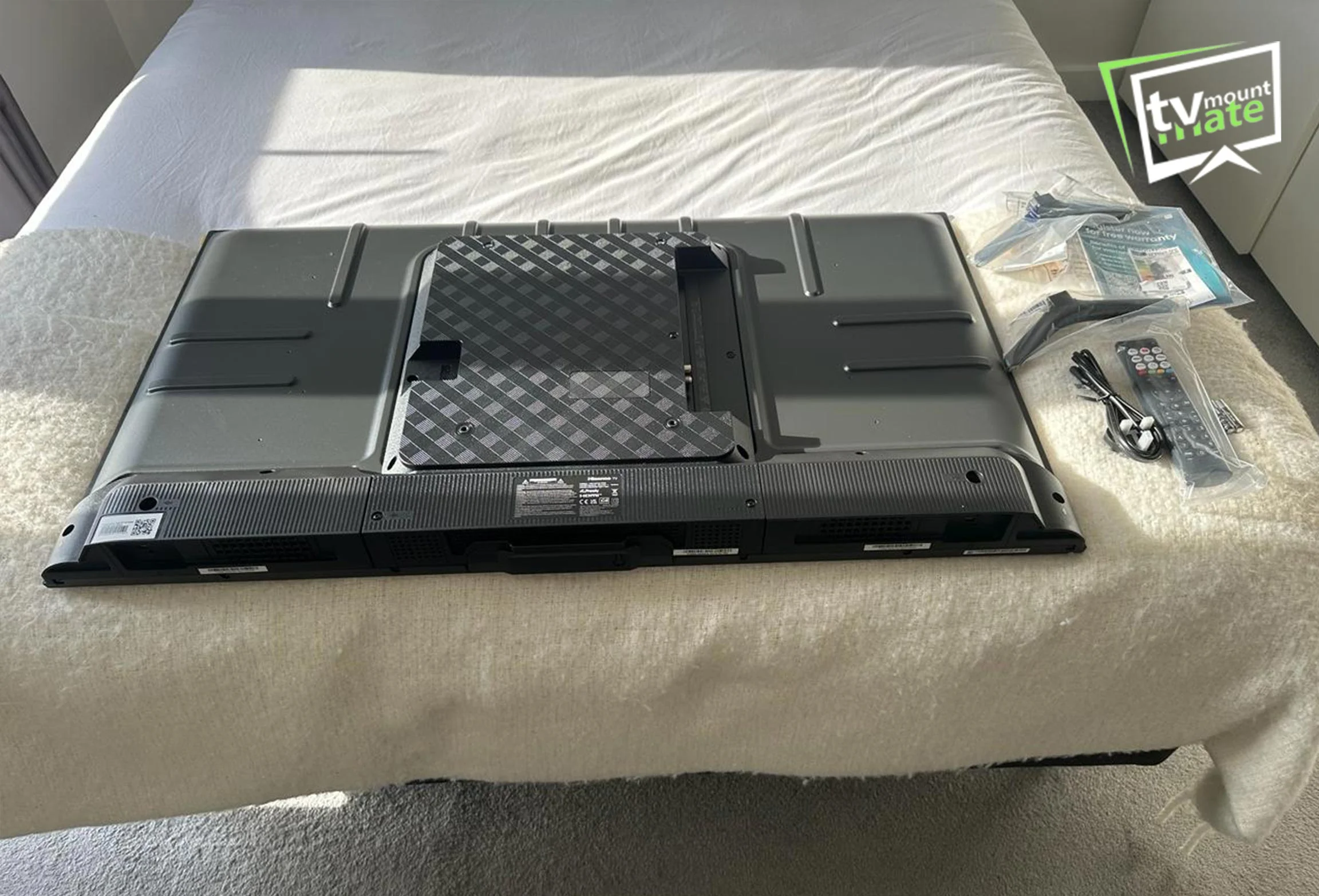
The television’s weight and the manufacturer’s own mounting instructions come before bracket selection, not after. Some slim or unusually shaped screens carry restrictions on which brackets are appropriate.
VESA compatibility and bracket fit can vary more than people expect, and a full breakdown of that topic is covered separately: does any TV wall mount fit any TV.
Bracket type affects leverage at the fixing points. A fixed bracket keeps the television close to the wall and puts less leverage on the fixings than an extended full-motion bracket, because the arm is not pulling the load outward. That does not make a fixed bracket the answer for every situation, only a lower-leverage option. A full-motion bracket brings genuine benefits for viewing flexibility, but the wall and fixings need to be capable of handling the additional forces involved when the arm is extended.
Consider Pipes and Electrical Cables Before Drilling
Before any drilling starts, TV Mount Mate normally works through the same sequence: confirming the wall construction, locating timber or metal stud positions where relevant, considering likely electrical cable routes, checking the wall’s condition, considering likely pipe routes, and identifying available bracket fixing positions.
A Bosch detector is normally used to support these checks, and a powerful magnet can help identify likely metal stud positions. A detector supports the decision, but it does not guarantee that no pipes or cables are present in the area. If the proposed drilling position presents a pipe risk or another safety concern that cannot be resolved, the fixing position or the wider installation plan may need to change.
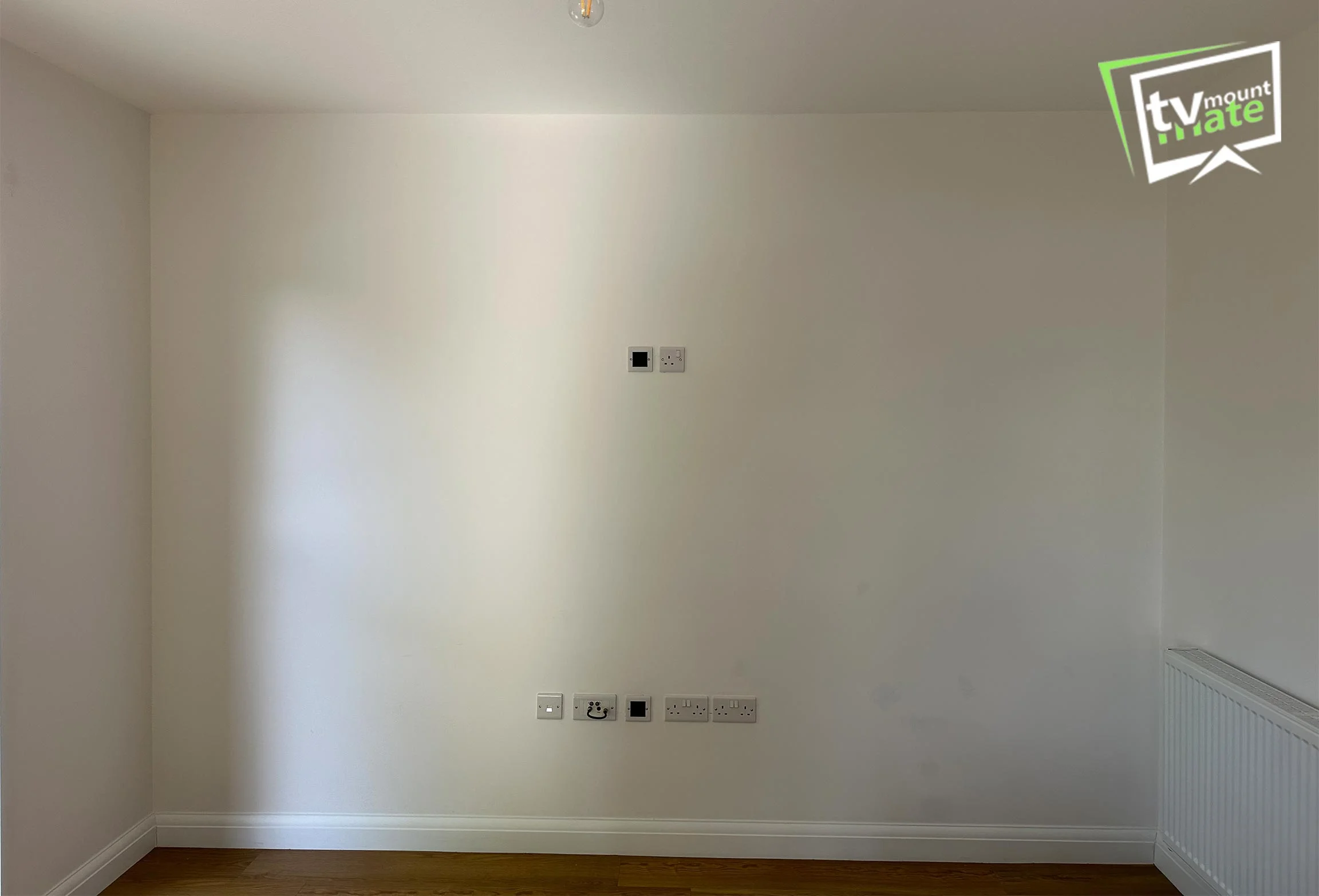
Plan the Power Socket and Cable Route
Signal cables and mains power need to be planned separately. HDMI, Ethernet and aerial routes depend on the wall construction and the available route. Surface trunking is normally the practical option on brick walls. A recessed power point may suit some televisions designed to sit close to the wall. Any new or altered mains wiring must meet the applicable electrical requirements and must be completed by someone competent for that work.
Full cable concealment options, including what is realistic on different wall types, are covered separately: TV cable concealment in London.
Choose the Viewing Position
Viewing position should be set from where people actually sit, not from a mark made while standing. Seating position, how the room is used, screen size and personal preference all play a part, so there is no single fixed height that suits every room or every household. Mounting above a fireplace needs additional assessment because viewing angle, heat, wall construction, socket position and cable routing can all affect the installation. It is not automatically suitable or unsuitable. The complete setup needs to be checked before the fixing position is confirmed.When Does an Installation Need Further Assessment?
Some situations are straightforward. Others need a closer look before any fixing position is confirmed. Further assessment is usually worthwhile where:
- The wall is uneven, a feature wall, or an unusual or reclaimed material
- A socket or plug sits close enough to the proposed fixing area that clearance is unclear
- The wall construction cannot be confirmed without opening it up further
- A full-motion bracket is being considered but the wall construction and proposed fixing method have not been confirmed
- A pipe or cable risk has been identified and not yet resolved
- A suitable fixing arrangement cannot be confirmed after assessing the television, bracket and wall
Recognising when a job needs this extra step is often what separates a straightforward installation from one that goes wrong later.
Real Installation Example: Checking the Wall, Socket and Bracket
A recent installation in Potters Bar, EN6, involved a 65-inch Sky Glass television going onto an uneven brick feature wall. The original Sky Glass bracket did not leave enough clearance for the existing socket and plug once the television was in position. A Sanus bracket was selected instead, which allowed the existing socket to remain usable. The television was mounted level and sat close to the wall. See the complete 65-inch Sky Glass installation in Potters Bar.
The lesson from this job is a general one. Bracket selection needs to account for the wall surface, the socket position, plug clearance and the television’s own mounting arrangement before any drilling begins, not as an afterthought once the bracket is already on the wall.

Getting It Right Before You Drill
None of these checks are complicated on their own. Working through the wall, the television, the bracket, the cables and the viewing position together, before any drilling starts, is what keeps a straightforward job straightforward. For a wall that raises any doubt, or a bracket and socket combination that looks tight, getting it assessed properly first is worth the short delay.
If you would like TV Mount Mate to check your wall and bracket before booking, send your postcode, TV size and model, a photograph of the proposed wall, bracket details if already purchased, and any cable or socket requirements to get a fixed quote. There is no deposit and payment is only taken on completion.
About the Author
Written by: TV Mount Mate
Based on: More than 10 years of hands-on TV wall mounting experience and over 6,000 completed installations Last reviewed and updated: 6 August 2026