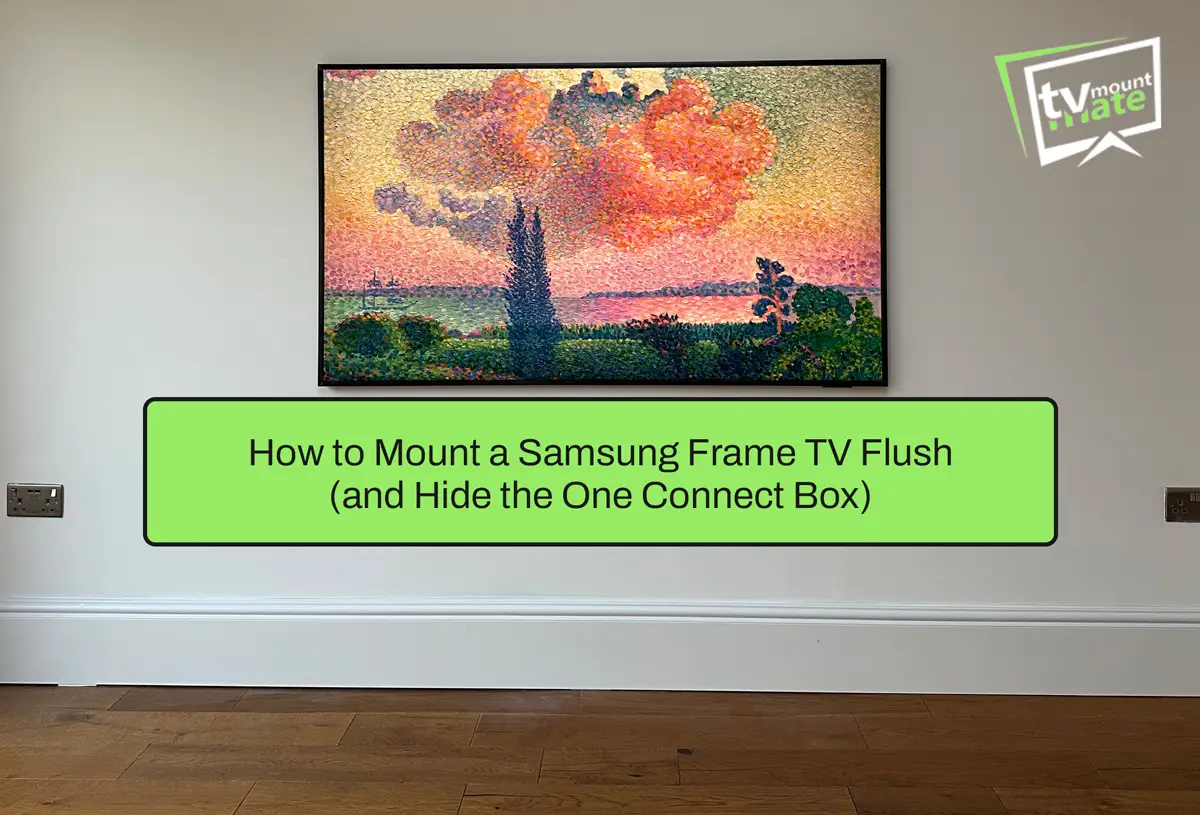
A Samsung Frame TV sits closest to the wall when the correct Samsung mount is fitted to a flat, sound surface and no socket, cable or uneven plaster holds the screen forward. The One Connect arrangement also needs to be planned before drilling because standard Frame and Frame Pro televisions do not handle their connections in the same way.
Current Samsung Frame models use a Slim Fit Wall Mount. Older Frame generations may use the No Gap Wall Mount, so the model number and supplied mounting hardware should always be checked before the installation is planned.
What Wall Mount Comes with a Samsung Frame TV?
At the time of publication, Samsung supplies its recent Frame and Frame Pro models with a Slim Fit Wall Mount. Samsung also explains that the final distance between the television and wall can vary according to the wall type and installation method. You can check the current specification in Samsung’s Frame TV guide.
Older Frame generations used a mount Samsung called the No Gap Wall Mount. That name should not automatically be applied to every Frame television because the supplied hardware has changed between different generations.
A third-party universal bracket may be used if its VESA pattern, load rating, screw specification and rear clearance are compatible with the exact television. A tilting or full-motion bracket can provide more movement, but it will normally leave a larger gap than Samsung’s close-fitting mount.
Where the supplied Samsung mount allows minor adjustment, I keep that adjustment available until the television is hanging. This allows the final level to be corrected by a few millimetres before everything is secured.
What Stops a Samsung Frame TV Sitting Flush?
In the Frame installations I have completed, the wall and cable clearance are often the reasons a television will not sit as close as expected.
Common causes include:
A hump or uneven section in the plaster
Old repair work that was not sanded flat
A socket or plug positioned directly behind the television
A cable connector that needs more rear clearance
Mounting plates installed out of level
The One Connect cable being bent or trapped
Decorative wall panels that are not level with the fixing surface
The wall does not have to look badly damaged to cause a problem. A small raised section can be enough to hold one corner of the television forward.
The final position should therefore be checked against the wall surface, sockets, cable route and mounting points before any holes are drilled.

Where Can You Put the One Connect Box?
The One Connect Box must remain accessible for connecting equipment, checking cables or replacing a device. Hiding it should not mean sealing it permanently inside the wall.
Practical locations include:
Inside a ventilated media unit below the television
On a floating shelf or inside a suitable floating cabinet
In a purpose-built, accessible AV recess
Away from the television when using a compatible Frame Pro Wireless One Connect Box
If a recessed AV enclosure is being considered, check the dimensions of the exact One Connect Box, the required ventilation, access to its ports and the permitted cable bends. The enclosure must not push the television forward or prevent it from engaging correctly with its wall mount.
Frame Pro works differently from a standard Frame television. Its Wireless One Connect Box can transmit connected devices’ signals wirelessly, but the television still needs a separate mains power connection. Samsung also warns that walls, other obstacles and closed metal cabinets can interfere with the wireless connection. See Samsung’s current Frame Pro guidance before deciding where to put the box.
Can the One Connect Cable Go Inside the Wall?
On compatible standard Frame models, the One Connect cable carries signal and power between the television and the box. It should not be treated like an ordinary HDMI cable.
Do not assume that the One Connect cable supplied with the television is approved for installation inside a wall. Check the exact television model, Samsung manual and cable part number first. A compatible in-wall-rated cable may be available for certain models and markets, but it is not a universal replacement for every Frame television.
The One Connect cable should not be substituted with a generic cable. Samsung also warns that it should not be pulled, twisted or bent sharply. Its One Connect setup instructions should be checked for the specific generation being installed.
If a compatible in-wall solution cannot be confirmed, the realistic alternatives are a suitable surface route, discreet trunking or another properly planned cable-concealment solution.
Frame Pro removes the wired signal connection between the box and television, but it does not remove the need to provide power to the screen.
What Fixings Does a Samsung Frame TV Need?
Fixings depend on the wall construction and condition, the mounting layout and the available fixing positions. They should not be selected from the television size alone.
On hollow plasterboard, the board condition, cavity depth, stud positions and bracket-hole alignment all need to be checked. GripIt and SnapToggle are different fixing systems, so they should not be treated as automatically interchangeable. The appropriate choice depends on the actual wall and mounting arrangement.
Our guide to mounting a TV on hollow plasterboard explains the checks in more detail.
Dot-and-dab also needs its own assessment. The void between the plasterboard and solid wall affects the fixing depth and how the plasterboard is loaded. The fixing must reach the appropriate substrate without pulling or crushing the board as it is tightened.
Brick and concrete also require different drilling methods and suitable fixings for the condition of the wall. Supplied plugs should not be used automatically when their brand, size or suitability cannot be confirmed.
How High Should a Samsung Frame TV Be Mounted?
Customers who mainly use their Frame to display artwork sometimes prefer it higher than a conventional television. I still agree the position from the room, furniture, intended use and sightlines rather than applying one standard measurement.
If the Frame will be watched regularly, seated eye level remains the better starting point. If displaying artwork is the priority, it may be positioned higher, but the viewing angle should still be considered before drilling.
The position of the Samsung mounting plates must also be calculated from the actual mounting points on the back of the television. Placing the wall mounts at the desired screen height without completing that calculation can leave the television higher or lower than expected.
Our complete TV mounting height guide explains how screen size, seating and room layout affect the final position.
A Samsung Frame TV Rescue in Bromley, BR7
On 23 August 2026, I was called to a property in Bromley, BR7, where a previous handyman had attempted to mount a 55-inch Samsung Frame TV.
The before photograph shows 37 separate drilling marks across two mounting areas. The handyman had been unable to establish a fixing arrangement that worked and left without completing the installation.

The visible wall was plasterboard with brick behind it. The void between the plasterboard and solid wall meant the mounting position and fixing depth needed to be assessed properly before any further drilling took place.
I spent about 90 minutes assessing the existing holes, wall construction, required screen position and available fixing points before drilling again. I did not rely on the failed holes or continue drilling across the wall in search of a suitable position.
After recalculating the mounting arrangement, I installed the Samsung wall mount in fresh fixing positions suited to the confirmed construction. The television was then lifted into place, checked for engagement and adjusted until it was level.
The finished Frame TV sat close to the wall in the position the customer originally wanted. The previous drilling marks were concealed behind the television.
The finished photograph still shows the One Connect cable below the screen, so this Bromley job is evidence of the corrected mounting rather than a fully concealed cable installation.
Samsung Frame TV Questions
Recent Frame and Frame Pro models normally include Samsung’s Slim Fit Wall Mount. Older models may use the No Gap Wall Mount. Check the exact model and the hardware supplied with it.
A third-party bracket may be used if its VESA pattern, weight rating, screw specification and clearance are compatible with the television. You will normally lose the close-to-wall finish provided by Samsung’s mount.
Only if a suitable accessible enclosure can accommodate the exact box without affecting ventilation, connections, cable bends or the television’s wall clearance. It should not simply be trapped behind the screen.
Do not assume the cable supplied with the television is in-wall rated. Check the exact Frame model, cable part number and Samsung instructions. Compatible in-wall cables may be available for selected models, but compatibility must be confirmed before installation.
No. Frame Pro can connect wirelessly to its Wireless One Connect Box, but the television still needs a mains power connection.
It can often be mounted on suitable plasterboard, but the wall condition, cavity, studs, television, mount and available fixing positions must be assessed first. There is no single fixing that is suitable for every plasterboard wall.
Get a Fixed Quote
If you would like a fixed quote for mounting a Samsung Frame TV, send your postcode, TV size, a photo of the wall and your television model.
You will receive a fixed quote before booking, with no deposit and payment due when the installation is complete.
About the Author
Written by: TV Mount Mate
Based on more than 10 years of hands-on TV wall mounting and over 6,000 completed installations.